11 Must-Have Apps for Your Trip to New Zealand
New Zealand is an incredible country to visit and travel around! From the beautiful national parks and Great Walks to the adventure towns like Queenstown and Wānaka, there’s something for everyone – and we’ve yet to meet someone who didn’t have a good time here!
After having visited New Zealand multiple times and spending almost a full year here, we’ve compiled a list of all the apps you’ll need for your trip to this beautiful country.
In this post, you can find everything from apps that help keep you safe, like eSIMs and travel insurance, as well as handy apps that help you save money, find camping, and much more.
If you’re planning a trip to New Zealand, these apps will help improve your trip!

11 helpful apps for your New Zealand trip
GeoNet app for safety alerts (important!)
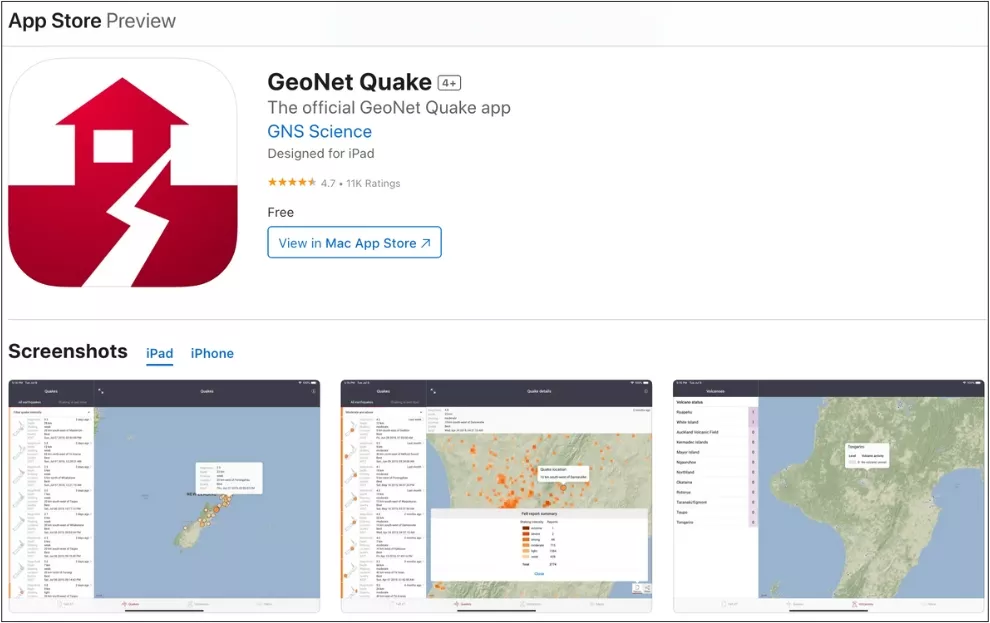
Generally speaking, New Zealand is very safe. There is no dangerous wildlife here (contrary to its famous neighbour, Australia), and personal safety is very high.
That being said, New Zealand is frequently subject to natural disasters such as earthquakes and floods, and it’s important that you stay up to date with your safety during your stay here.
In case of a natural disaster and/or emergency, most newer phones will automatically get an alert.
You can also take extra precaution and download the GeoNet app (free), which can help keep you safe in case of natural disasters by alerting you on your phone if you’re in or near an impacted area. Your loved ones will appreciate you having this app.
This brings me to the next two important apps: your eSIM and your travel insurance!
An eSIM (Airalo or Nomad)
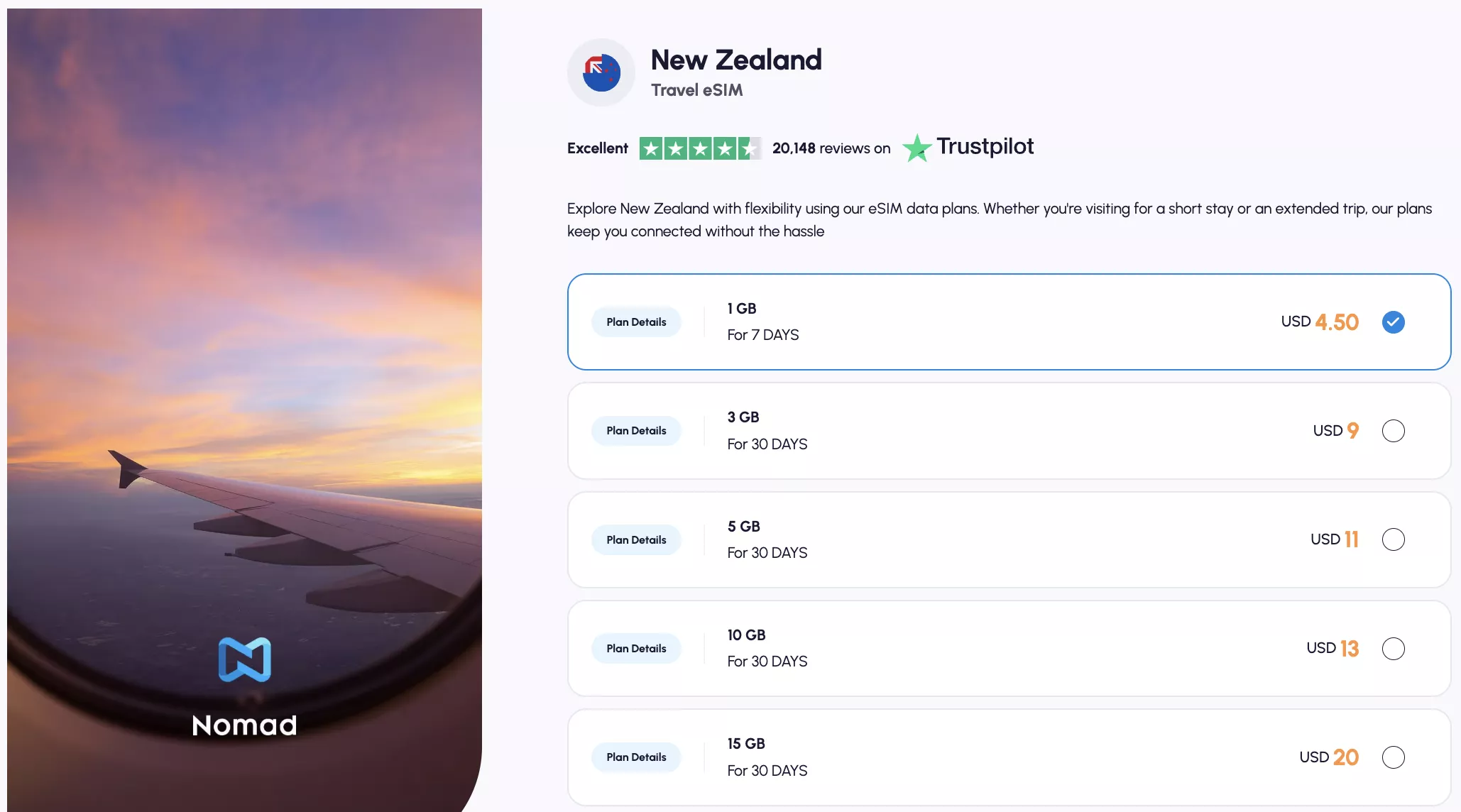
Two years ago, we made the switch to using an eSIM when visiting New Zealand, and we can’t believe how simple and easy it is to use.
If you want, there is the option of going to Vodafone to get a physical SIM card, but getting an eSIM is, in our opinion, easier and faster – and oftentimes cheaper as well (you can also use it right from when you land).
The only downside is that you usually don’t get a phone number with your eSIM, meaning you can’t call locally through your phone. You will have to use an app like WhatsApp, Facebook Messenger, FaceTime, or any other app that uses data instead.
With an eSIM, everything can be set up on your phone beforehand, so the moment you arrive in New Zealand and you turn on your phone, you’ll have reception.
As soon as you get to NZ, all you have to do is activate data roaming on your eSIM, and you will be able to use data (granted that you’ve set up the eSIM beforehand).
For eSIMs, we recommend using Airalo or Nomad. Airalo is one of the biggest and most trustworthy eSIM providers out there, and Nomad is our usual go-to because they often have the most affordable rates!
Check out Airalo’s plans here and Nomad’s plans here 🇳🇿
SafetyWing Travel Insurance

This might be a no-brainer to you, but in case it’s not, we want to reiterate how important it is that you have travel insurance whenever you travel somewhere.
We know for a lot of people, this might be a question of thinking “nothing is going to happen to me” – but you just never know, and it’s better to be safe than sorry. It’s so important to know that you can get the help you need, “just in case”.
Another common reason we’ve seen why people don’t get travel insurance is that it’s “too expensive,” but that’s also not true. With SafetyWing, travel insurance costs as little as $2 a day.
If you’re going for 2 weeks, that’s $28 dollars which is literally less than the cost of your ETA + International Visitor Levy to visit NZ.
Check out SafetyWing’s plans, pricing, and coverage here!
NZeTA App

One of the most important things you need to take care of before arriving in New Zealand is your visa or ETA (Electronic Travel Authority)! There are over 50 different countries and territories under NZ’s visa waiver program, and you can check if you’re eligible on the list here.
If you are, you can download the NZeTA app and apply for your ETA. As of August 2025, the cost for the ETA is $17 NZD through the app (or $23 NZD if you apply online).
Additionally, there is an International Visitor Levy (IVL) of $100 NZD that needs to be paid upon applying for your ETA. The IVL goes towards supporting the natural environment and facilities you’ll be using while visiting New Zealand.
Not the most fun thing to do, but it’s something you need to get done beforehand!



New Zealand is one of our favourite places to hike (you can find all our NZ hiking posts here), and one thing we always use before heading out on a hike is AllTrails.
AllTrails is an awesome app that not only shows all the hikes but also has tons of information about the trail, including the length, how to get there, and other random facts about it.
One of the best parts of the app is also the user comments. You’ll know by the most recent reviews from other users if the hike is in good condition, and in case of any closures.
Usually, there will be some recent reviews (and pictures) that will help you decide if it’s worth going on the hike or not. AllTrails is perfect for planning your hike. It’s also great to use during the hike as it shows the trail map, elevation, viewpoints, and more.
Hiking Tip: Look up the trail on AllTrails before starting your hike 🗺️. You can find important trail information, such as recent wildlife sightings and trail closures. Check out the free version here or get a 7-day free trial of AllTrails+ here.
Weather app

New Zealand has tons of different climates wherever you go, and (depending on what sort of activity you’re doing), you should always check the weather before heading out.
There’s a good chance that a lot of the activities you’ll be doing in New Zealand are outdoorsy and adventurous, so you need to be prepared for the weather.
We’ve had 4 seasons in one day on the South Island before, and especially in the alpines, the weather can change very quickly. So the best thing you can do is be prepared by knowing what to expect!
The weather app on your phone is somewhat reliable, but you can also search on yr.no (or download the YR weather app) and input the specific place you’re going, and it will give you a more accurate forecast.
There’s also a weather app called MyRadar that tracks storms and weather patterns, and then we like to use Windy for the most accurate wind forecast. The Windy app came in super handy when we hiked to the Pouakai Tarns, for example, where we wanted the perfect wind conditions!
Google Maps (for navigation & locations)

I know people have different preferences as to which app to use for directions, but we’ve always found Google Maps to have the most accurate and up-to-date information when travelling around in NZ.
From road closures to opening hours of cafes and restaurants, Google Maps has always been great for us in New Zealand. It’s also great for showing traffic updates (and finding cute coffee shops along the way).
We’ve also created an awesome Google My Maps list of +235 spots that we’ve found and loved during our time exploring this beautiful country.
Our maps include everything from cafes, hikes, viewpoints, and random places that are worth visiting – and you can find them all right here!
📍 Want to know about all the best spots in Aotearoa New Zealand?
Then check out our New Zealand Maps with +200 locations around the country that we have visited during our 10 months of living and travelling in NZ! 🗺️
Gaspy (Fuel App)
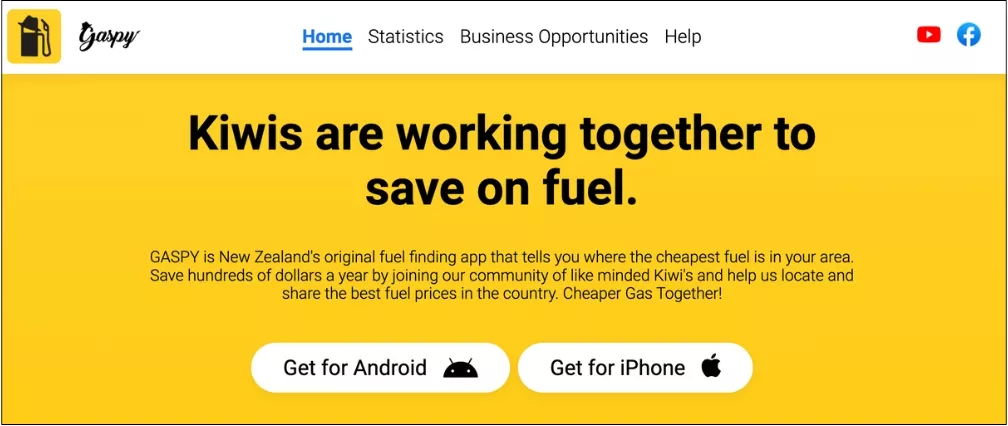
This is the best app to help you find cheap gas! We used this a bunch on our New Zealand road trip and during our month in Wānaka.
In Wānaka, for example, we found that one gas station out of town is way cheaper than the rest! McKeown Wanakā was 2.60⁹ per litre, whereas BP Wanaka was 2.81⁹! For reference, that’s equivalent to 〜$5.91 USD per US gallon vs 〜$6.39 USD per US gallon.
The Gaspy App is super helpful when it comes to finding the cheaper gas station and will help you save a bunch of money on gas.
By the way, gas prices in NZ are shown like this “281⁹“ – that basically means $2.819 NZD per litre, or 281.9 NZD per 100 litres.
NewWorld (Groceries)
New World is one of the most common grocery stores in NZ, and you can find one in almost any town you go through!
You can download the New World app to get discounts and collect points on your groceries during your time in NZ. It’s super easy to set up and saves you a bit of money!
You don’t have to put a legitimate NZ phone number to set up the app (you can just put a random prefix + 8 digits), so for stuff like this, an eSIM is enough to sort you out!
Another awesome thing is that you get fuel vouchers when you shop at New World.
CamperMate
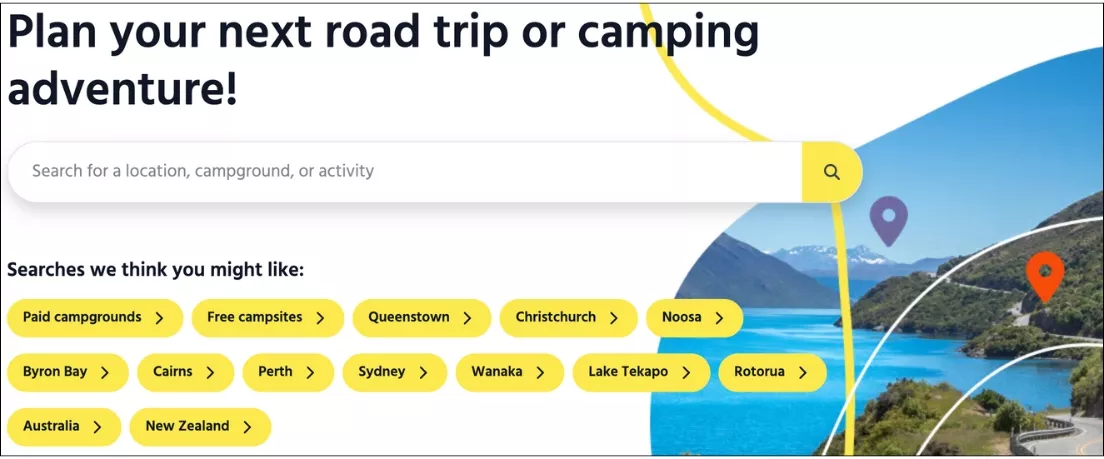
CamperMate is your go-to app when looking for campsites around New Zealand. You’ll find everything from paid campgrounds to free campsites around both the North and South Islands.
The app is really cool too because it recommends activities like hikes, outdoor adventures, and sightseeing to do around the place where you’ll be camping. You can basically build a full travel itinerary inside the app if that’s how you like to travel (but we obviously suggest you use blogs for inspiration as well 😉).
You can use it for inspiration and get recommendations for where to camp and stay around New Zealand. Definitely a must-have practical adventure map for your travels around NZ.
Flush (Public Toilets)
This is one of the most practical apps we recommend because it helps you find the closest public bathroom or restroom – and the name “Flush” seems perfect for it, haha.
It comes in real handy on the days you’re driving long distances or if you’re camping!
You can always check the app before starting the next stretch of your adventure to make sure there’s somewhere along the journey where you’ll be able to stop if you need to.
📍 Want to know about all the best spots in Aotearoa New Zealand?
Then check out our New Zealand Maps with +200 locations around the country that we have visited during our 10 months of living and travelling in NZ! 🗺️
You may also like…
- The Ultimate New Zealand Packing List
- Our New Zealand Maps (+200 Locations)
- 5 Stunning Hikes to Do in Wānaka
- Milford Sound for First-Timers: 10 Tips for Piopiotahi
Recap of the best phone apps for New Zealand
We hope this list of apps helps you before and during your trip to New Zealand. It’s an amazing country to travel around, and we think these apps will help make your trip even better!
It’s a country we absolutely love, and we hope you have the best time visiting and exploring this incredible country. If you need more help with things to do, itineraries for New Zealand, or anything else related to travelling there, please let us know!
Feel free to DM us on Instagram (@redwhiteadventures) or leave a comment below. We’ll gladly help you out!
📍 Save this post for later & share it with a friend